

PythonAnywhere
PythonAnywhere is a cloud-based Python development and hosting environment that lets you write, run, and deploy Python code directly in your browser. It includes an online editor, console, and web app hosting, making it easy to build and share Python applications without needing to set up local infrastructure.
As of September 2025:
Deploying ASGI and websocket-based apps (such as Panel) is in Beta stage and has a few limitations, the main one being that the user interface is very limited compared to their existing interface for WSGI apps (e.g. Django). They offer instead a command-line tool (that we will use in this how-to) and an API to manage the deployment of ASGI/websocket-based apps. Find more information on this page.
The Beginner Free Tier is not sufficient to deploy a Panel app (not enough disk space is made available to install an environment), see their Pricing page for more information (the Hacker Tier costs $5/month).
Create an app
Create an account and log in.
We recommend following the interactive onboarding tutorials offered to you after the first login, they're a nice way to explore the platform and its features.
Generate an API token by following the instructions on this page. This is required to run the
pacommand line tool we will install later to deploy a Panel app.Visit your "Dashboard" and open a "Bash" console.
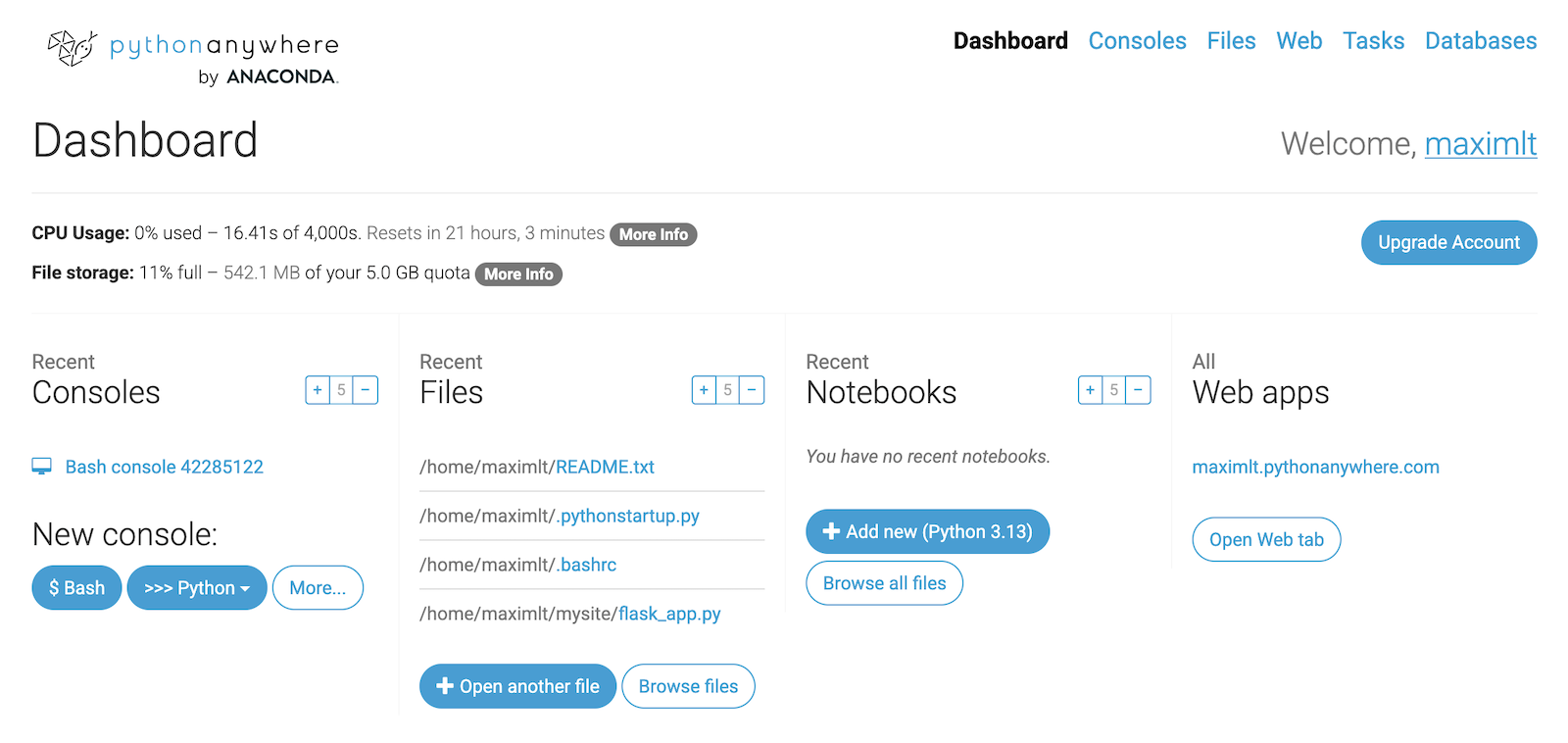
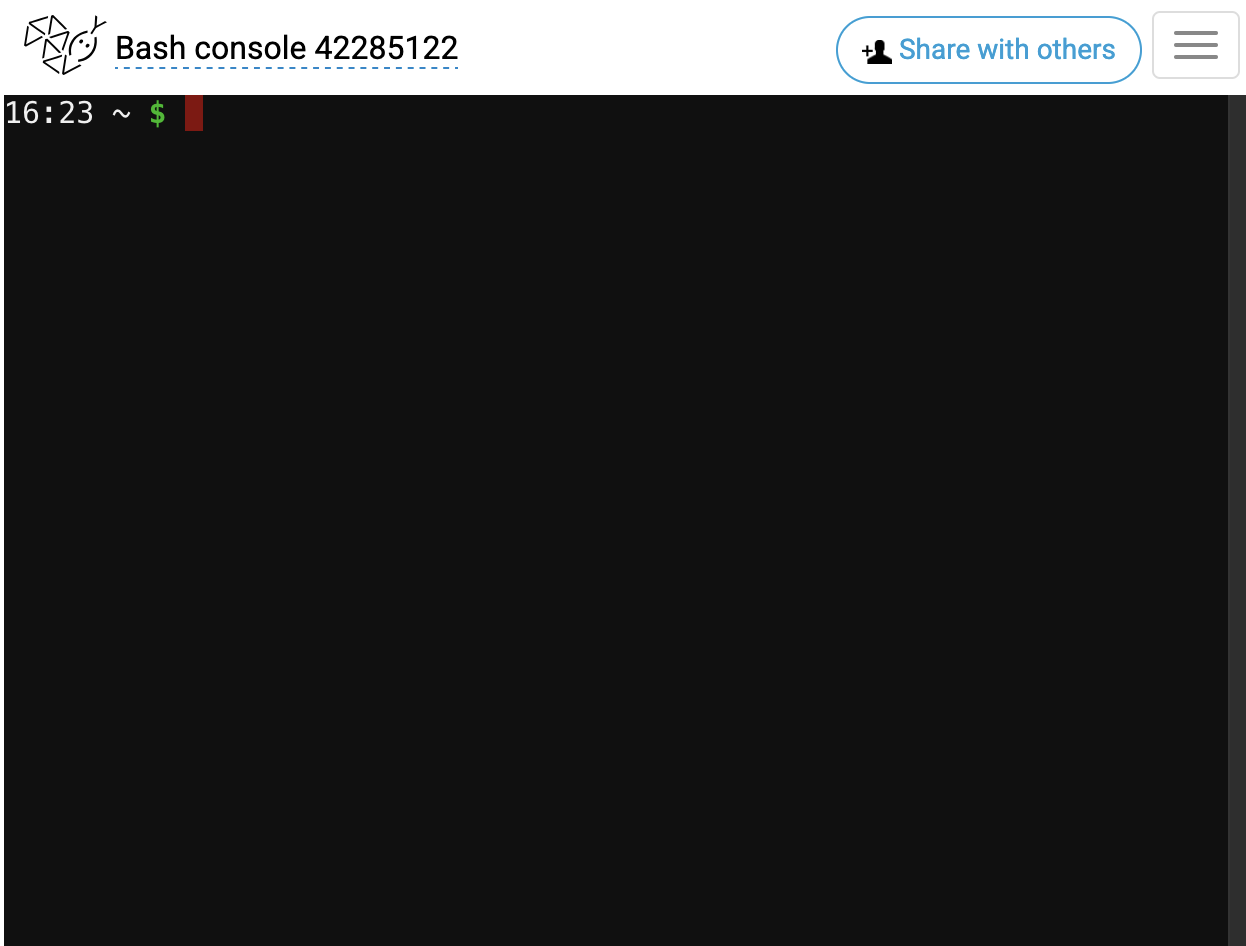
Install the latest version of the
pacommand line tool by executingpip install --upgrade pythonanywhereCreate a Python virtual environment with this helper command
mkvirtualenv my_venv --python=python3.13(choose the Python version you prefer).Install Panel and the other dependencies you need for your app. For our example, we will run
pip install panel pandas plotly.Create a directory in which you'll save the Panel app file with
mkdir ~/panel_app.Add your app file. In this example, we run
nano panel_app/app.py, copy/paste the code below, save and close the editor.
:::{dropdown} Portfolio Analysis app code for PythonAnywhere
Copy the code below:
:::
Deploy an app
In Bash, to deploy your website to your subdomain -- that is, to yourusername.pythonanywhere.com if you're on our US system, or yourusername.eu.pythonanywhere.com if you're on the EU system -- just run the following command.
...with the four instances of YOURUSERNAME replaced by your actual username, but with everything else exactly as it is.
After a few seconds, your app will be live and running at YOURUSERNAME.pythonanywhere.com!
:::{note} You can also choose a custom subdomain of PythonAnywhere of the form something-yourusername.pythonanywhere.com, or set up your own custom domain name. :::
Manage an app
Get the details for one app by running
pa website get --domain YOURUSERNAME.pythonanywhere.comIf you change the code of your app, you'll need to reload it to activate those changes by running
pa website reload --domain YOURUSERNAME.pythonanywhere.comDelete your app with
pa website delete --domain YOURUSERNAME.pythonanywhere.com