

Path: blob/main/doc/how_to/streamlit_migration/caching.md
3333 views
Improve the performance with Caching
One of the key concepts in Streamlit is caching.
In Streamlit
your script is run once when a user visits the page.
your script is rerun top to bottom on user interactions.
Thus with Streamlit you must use caching to make the user experience nice and fast.
In Panel
your script is run once when a user visits the page.
only specific, bound functions are rerun on user interactions.
Thus with Panel you may use caching to make the user experience nice and fast.
In Panel you use pn.cache to speed up your apps. Check out the Cache How-To Guides for more details.
Migration Steps
To migrate
replace
st.cache_dataandst.cache_resourcewithpn.cacheon long runningfunctions that are run when your page loads
bound functions
Example
Cache Example
Streamlit Cache Example
I've added sleep statements to make the functions more expensive.
Panel Cache Example
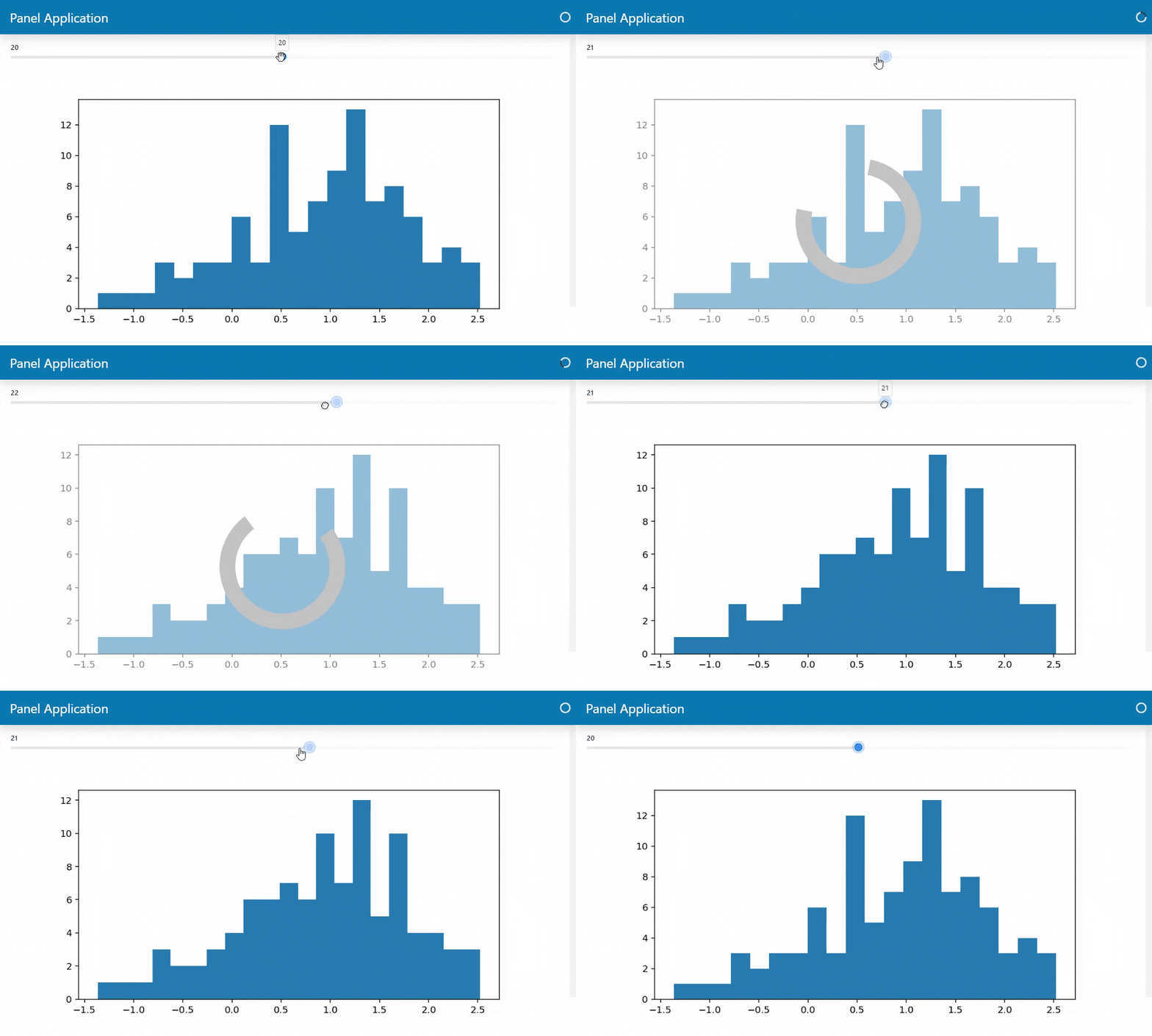
You can also use pn.cache as an function. I.e. as
Using pn.cache as a function can help you keep your business logic (data and plot function) and your caching logic (when and how to apply caching) separate. This can help you reusable and maintainable code.